openshorts

Video workflow

Plan your next edit with a youtube to shorts converter

A youtube to shorts converter helps you rethink a long, horizontal video as a short vertical clip. Start with a moment that stands on its own, then check the crop, pacing and captions before publishing.

Free to start · no signup
openshorts video workflow preview

what this variant is

The input is an existing YouTube video; the intended output is a self-contained vertical edit, not simply the original frame squeezed into a narrower space.

Interview producer

A guest gives one useful answer halfway through a longer conversation.

Choose the complete answer, then keep the speaker in frame. The related podcast to shorts workflow covers conversational clips where pauses and speaker changes shape the edit.

podcast to shorts

Tutorial creator

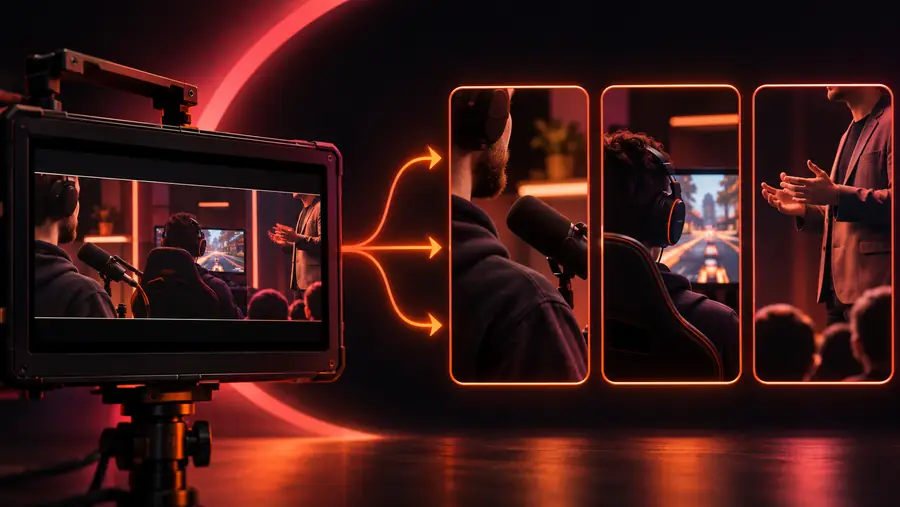
One step in a screen-recorded lesson can work without the full lesson.

Show the action and its result while checking that interface text remains legible. The podcast to shorts guide offers a contrasting approach for footage led by speech rather than a screen.

podcast to shorts

Event editor

A recorded talk contains a brief, quotable explanation.

Preserve enough context that the quote does not change meaning. The podcast to shorts workflow is useful when deciding how much spoken setup a clip needs.

podcast to shorts

Channel manager

An archive of long videos needs candidate moments for a short-form posting plan.

Review candidates one by one instead of treating every excerpt as publishable. The podcast to shorts guide describes a related way to evaluate longer spoken recordings.

podcast to shorts

why A->B

A wide YouTube upload and a vertical short ask viewers to notice different things. This comparison shows why choosing an excerpt is only the first part of the edit.

1

Frame

Original YouTube video

Usually composed for a horizontal player

Planned vertical short

Composed for a narrow, upright view

2

Subject

Original YouTube video

May share the frame with other people or objects

Planned vertical short

Needs a deliberate focal point within the crop

3

Context

Original YouTube video

Can build an idea across several minutes

Planned vertical short

Needs enough setup inside the selected excerpt

4

Pacing

Original YouTube video

Can include introductions and transitions

Planned vertical short

Often benefits from a direct opening and a clear ending

5

On-screen text

Original YouTube video

May rely on small labels or slide text

Planned vertical short

Needs a legibility check at phone size

6

Audio

Original YouTube video

May depend on surrounding discussion

Planned vertical short

Should make sense when heard as a standalone clip

7

Final review

Original YouTube video

Checked as the complete original video

Planned vertical short

Checked again for crop, captions and meaning

the tool block

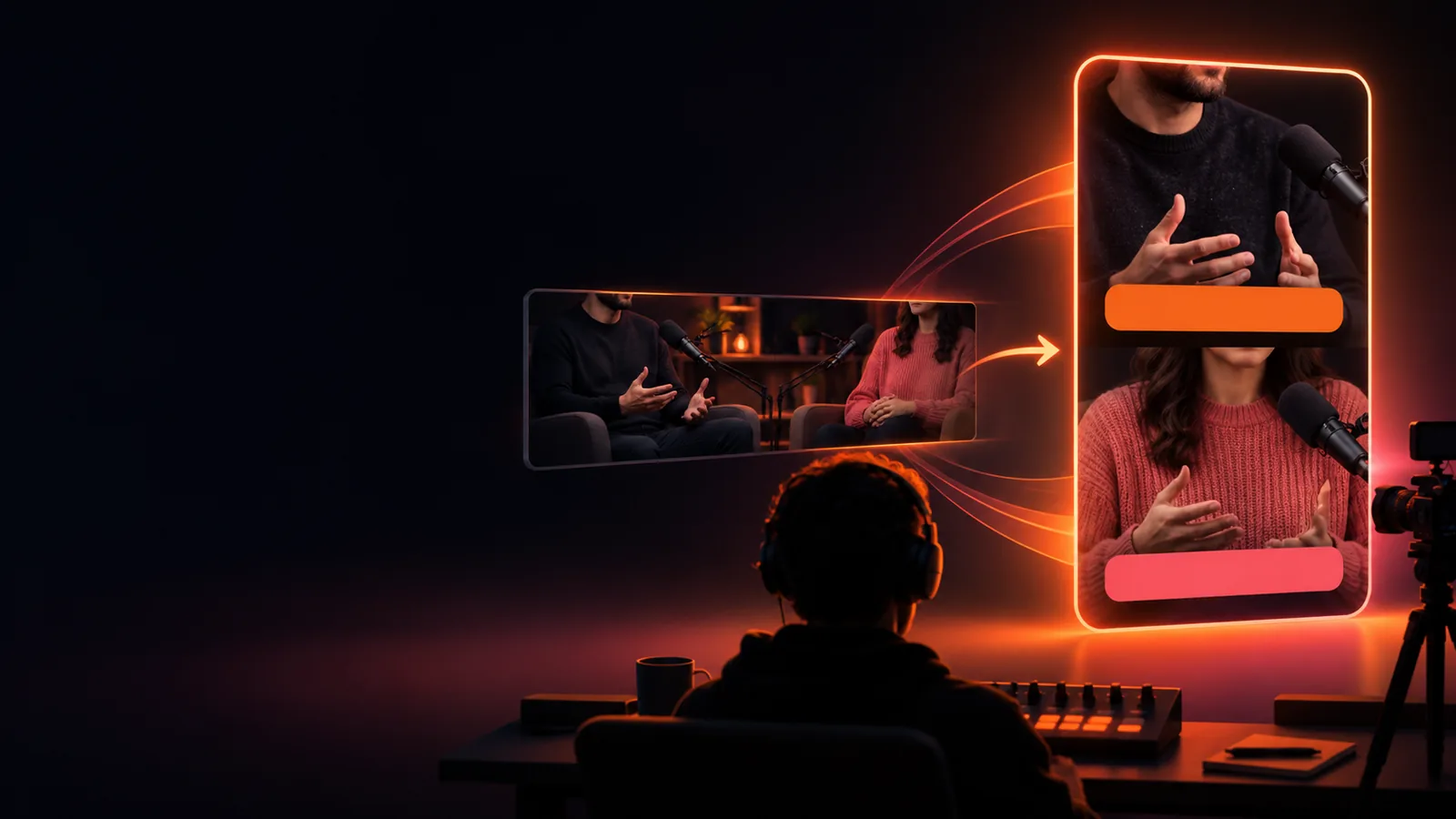
Drag the divider to compare wide composition with a tighter vertical treatment. The example illustrates a framing decision, not an automatic result for every source video.

Wide sourceVertical framing
Wide podcast conversation frame with room around the speakers Vertical treatment of the podcast scene with tighter speaker framing Wide source Vertical framing

In your own clip, check whether faces, gestures, captions or demonstration steps fall outside the vertical crop.

spec table

The comparison above describes the target format; these limits identify decisions a conversion route cannot safely make for you.

  • It cannot supply missing context

    A dramatic sentence may be misleading when detached from the question or explanation before it.

    WorkaroundExtend the excerpt or add a brief, accurate setup.

  • It cannot recover off-frame action

    A vertical crop may exclude the second speaker, a product demonstration or essential slide content.

    WorkaroundChoose another moment or adjust the framing manually.

  • It cannot settle usage rights

    Changing a video's shape does not grant permission to reuse footage, music or someone else's upload.

    WorkaroundConfirm you have the necessary rights before publishing.

  • It cannot guarantee accurate captions

    Names, technical terms and overlapping speech can be transcribed incorrectly.

    WorkaroundRead captions against the source audio before export.

How this format got here

The workflow grew alongside Shorts itself, while the editorial problem stayed familiar: select a complete idea and make it readable in a new frame.

  1. Shorts begins testing in India

    YouTube introduced an early Shorts experience, giving creators another destination for brief vertical videos.

  2. The US beta expands

    A wider creator audience began experimenting with short-form video alongside established long-form channels.

  3. Editing from existing videos becomes easier

    YouTube announced an Edit into a Short option for eligible videos, connecting long-form source footage to short-form creation.

  4. Longer Shorts become eligible

    YouTube began supporting Shorts of up to three minutes for eligible uploads, allowing more room for a complete excerpt.

Take the next edit into the workspace

Start with one moment worth keeping

Choose a segment that makes sense on its own, then review how its subject, text and audio hold up in a vertical frame. Open the video workspace to explore the available tools; confirm its current input and export options there.

Explore video tools
  • Pick a complete idea
  • Inspect the vertical crop
  • Review captions and rights

variant FAQ

Look for a workflow that lets you select the right moment and inspect its vertical framing. Before relying on any tool, verify which source inputs, editing controls and export options it currently supports.

Not necessarily. You need the rights to reuse the footage and any included audio, and the chosen excerpt must remain understandable outside the original video. Tool support for a particular link or file also needs to be checked in the workspace.

Sometimes a simple crop works, but it can cut off a speaker, demonstration or important text. Check the clip at phone size and adjust the framing or choose another excerpt if the main action is lost.

Find a point with a clear opening, one main idea and a satisfying ending. Watch it without the surrounding video to see whether a new viewer would understand it, then check its audio and captions.

Start creating
Start creating